

Guide to remove password setting from eset gui
If setting is lock in menu
Download tool and paste the code in Delete Value menu
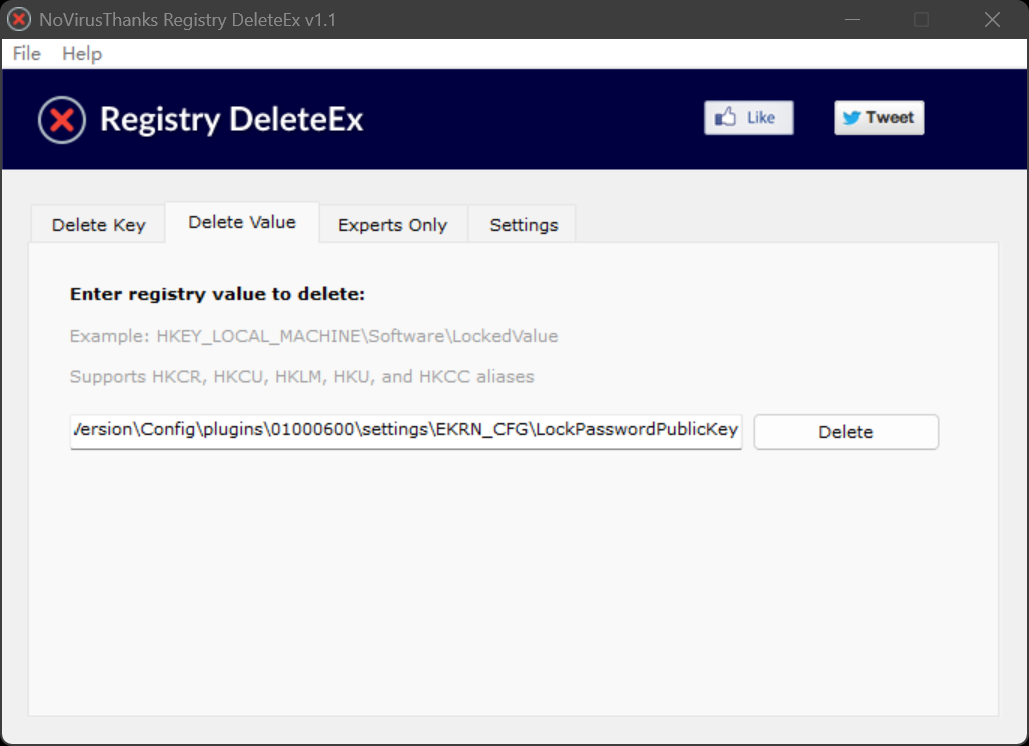
HKEY_LOCAL_MACHINE\SOFTWARE\ESET\ESET Security\CurrentVersion\Config\plugins\01000600\settings\EKRN_CFG\LockPasswordPublicKey
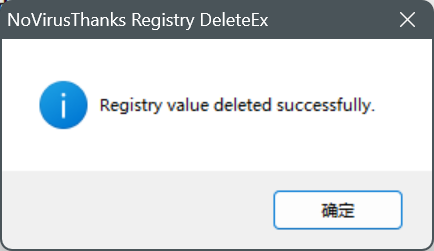
Press delete and restart…
Password lock should be release
Registry DeleteEX x86 x64
Download

One thought on “Remove ESET password protect setting”
Thank you very much for your contributions